2020-2023 Case Study
Logistics Table Top
Customer
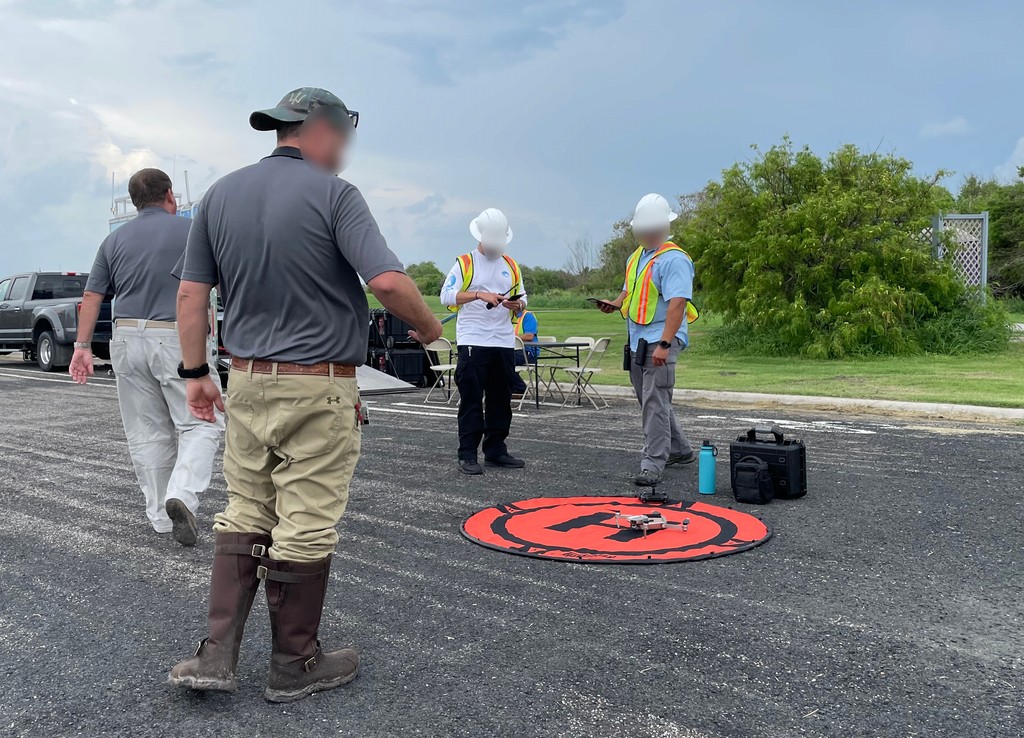
The customer is The Logistics Center (TLC) an industry leading logistics service provider. TLC wants to break into the UAS space by offering a fleet of drones that can scout the most feasible routes for delivering supplies in a disaster area.
Project Overview
To test the feasibility and viability of these services across different markets, TLC wants a robust & visual tool that can be used in remote table top sessions. Tabletop assessments are intended to find problems with scripted scenarios prior to execution in a live environment.
Discover
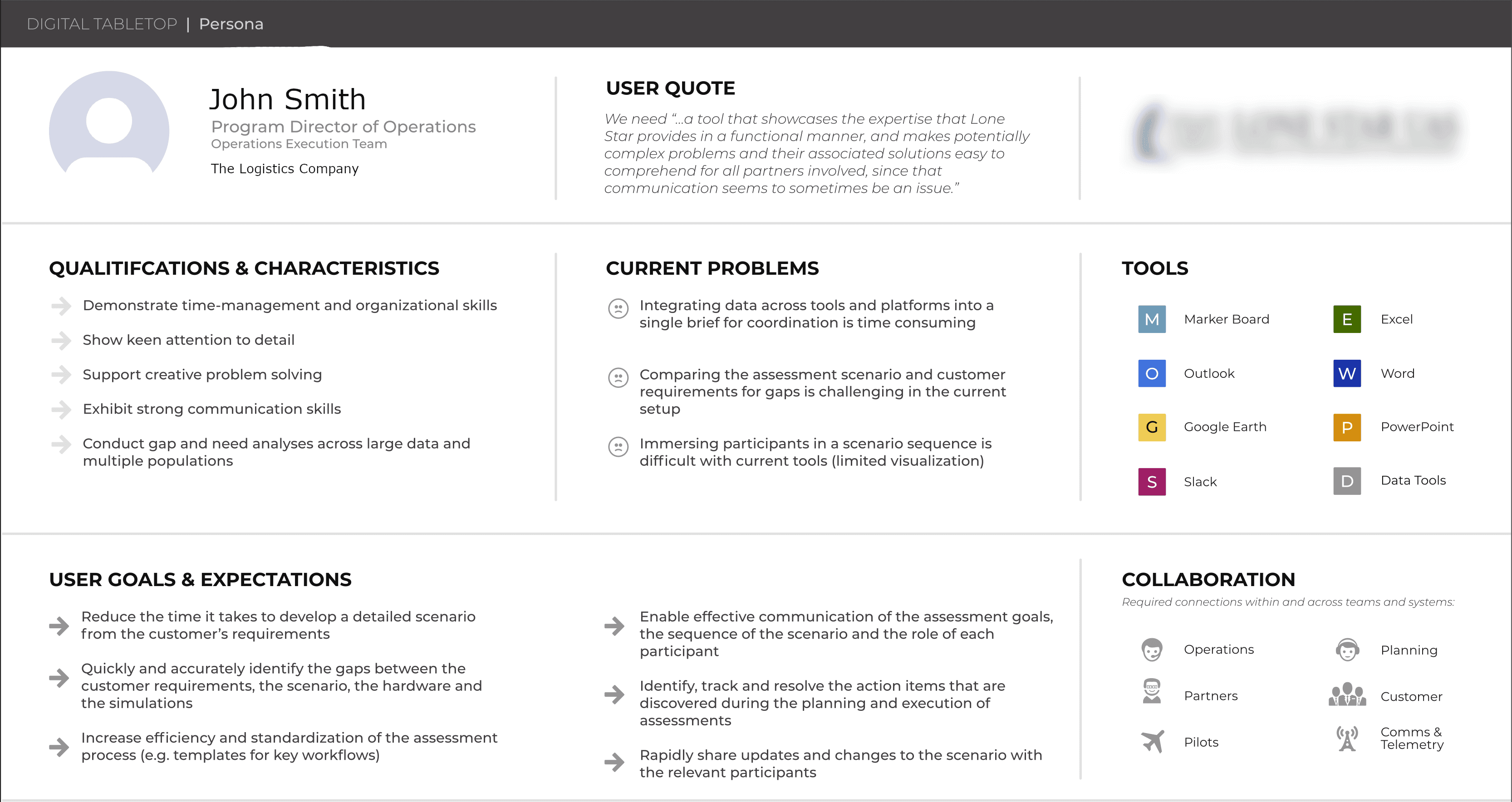
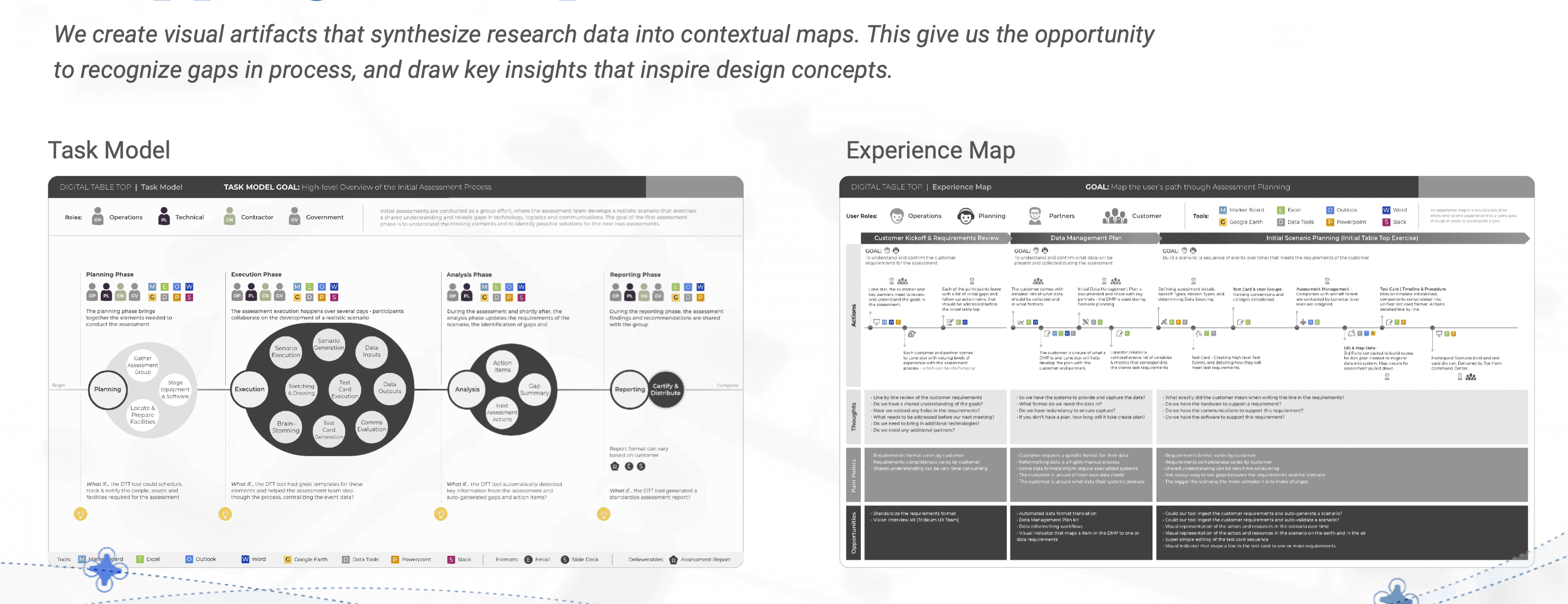
The Logistics Tabletop program kicked off during the pandemic, so we had to conduct our research remotely at first. It was a challenge conducting contextual inquiry without being at TLC in person. We conducted interviews, collected key artifacts, and identified user personas during this time.
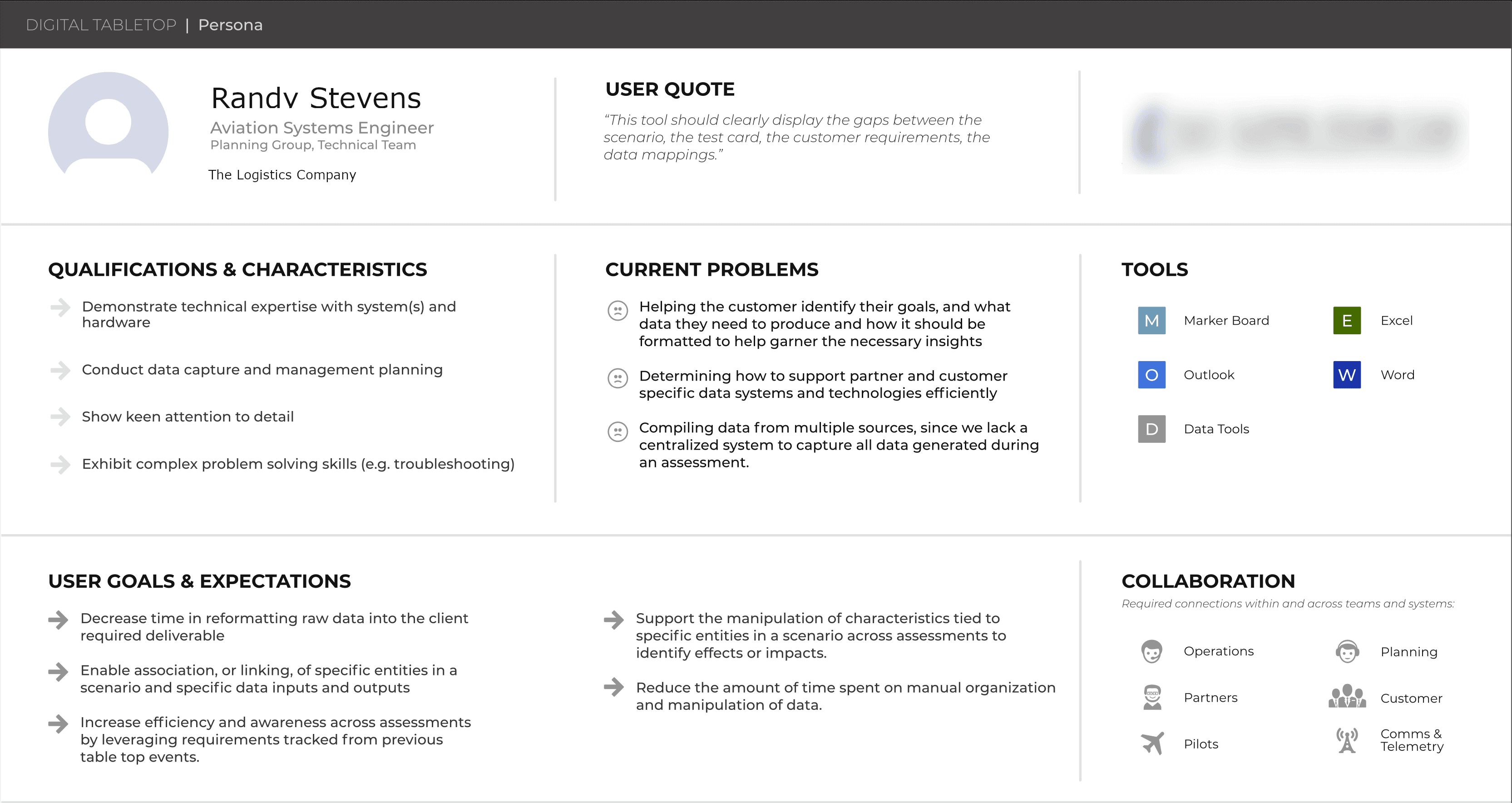
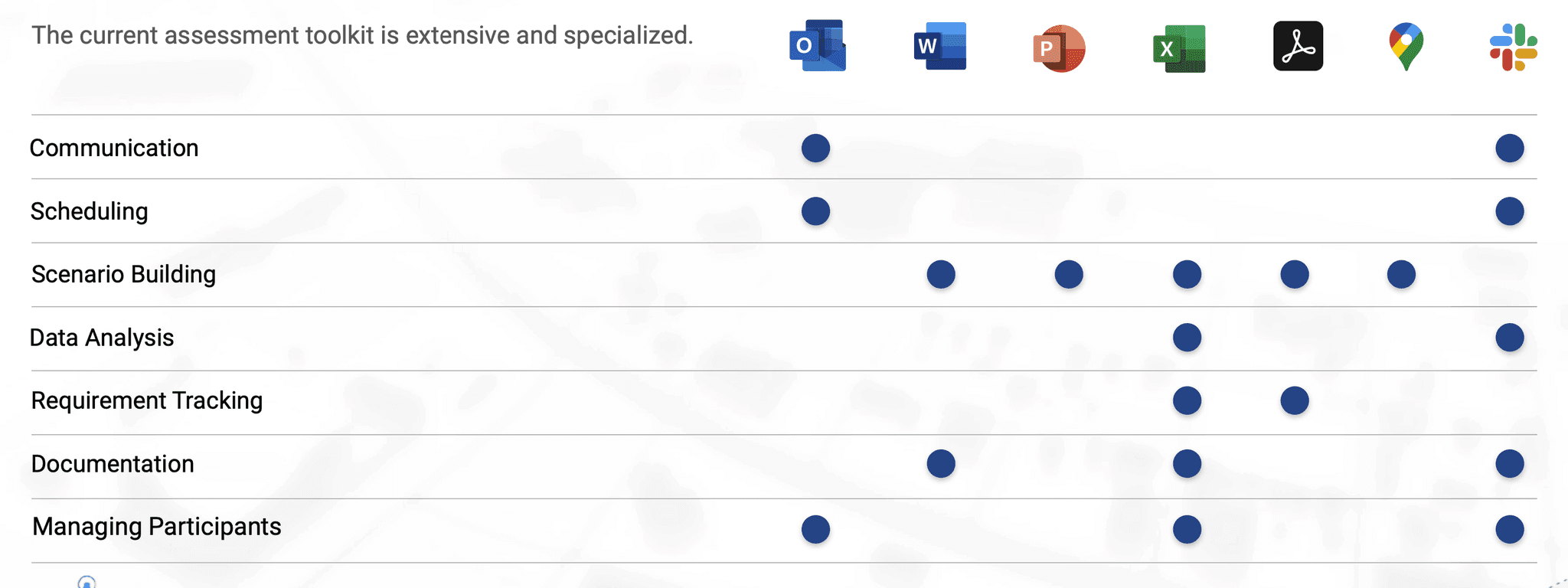
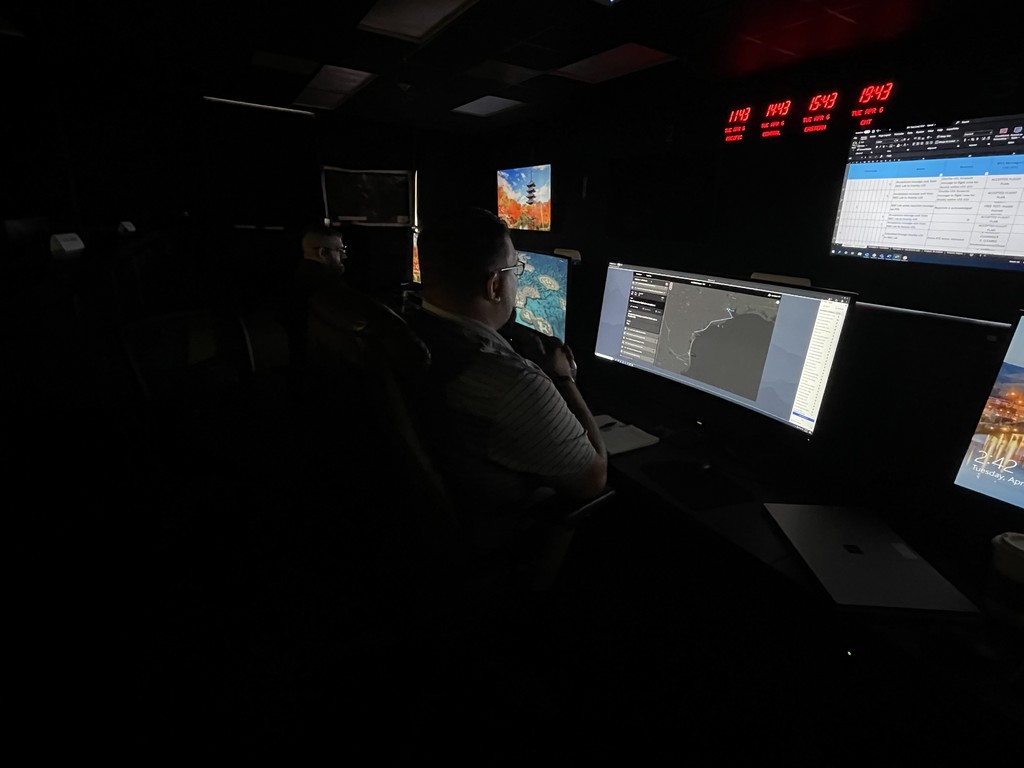
We learned a lot about their day to day operations and how they utilize their current tools to build and conduct tabletops.
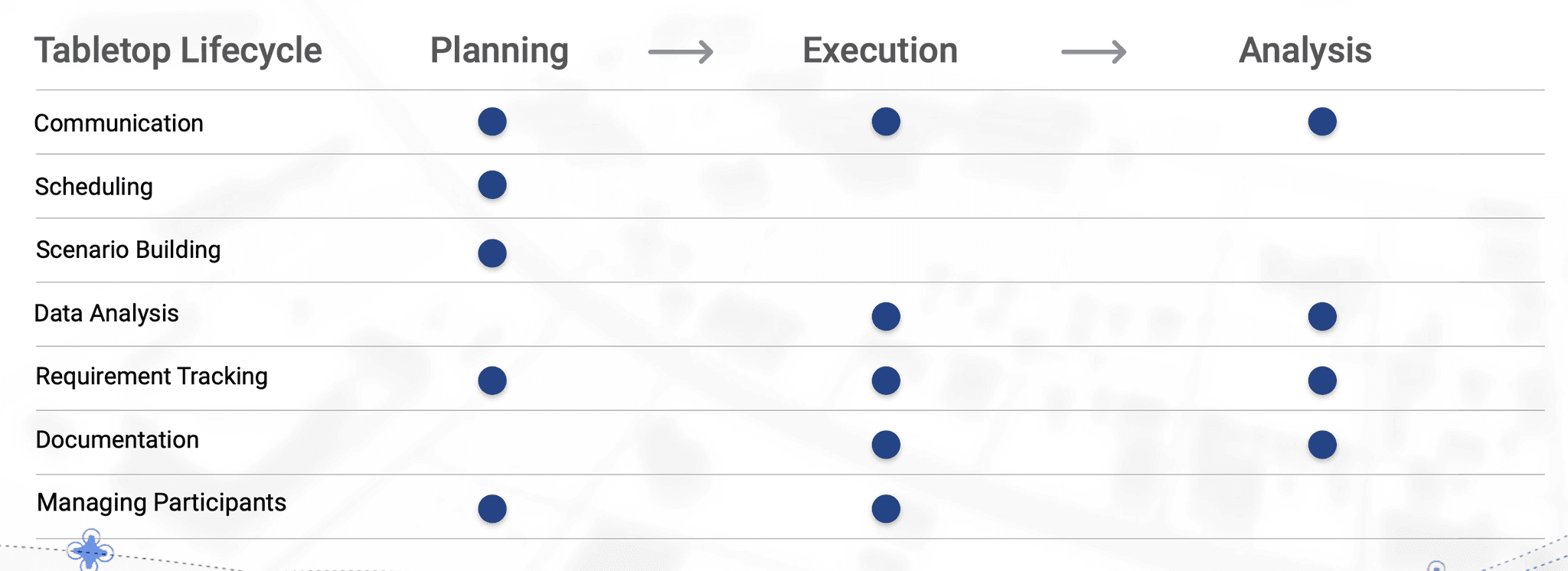
Several key artifacts are produced, often by disparate parties in separate locations. This means there were often discrepancies in formats & process.
Define
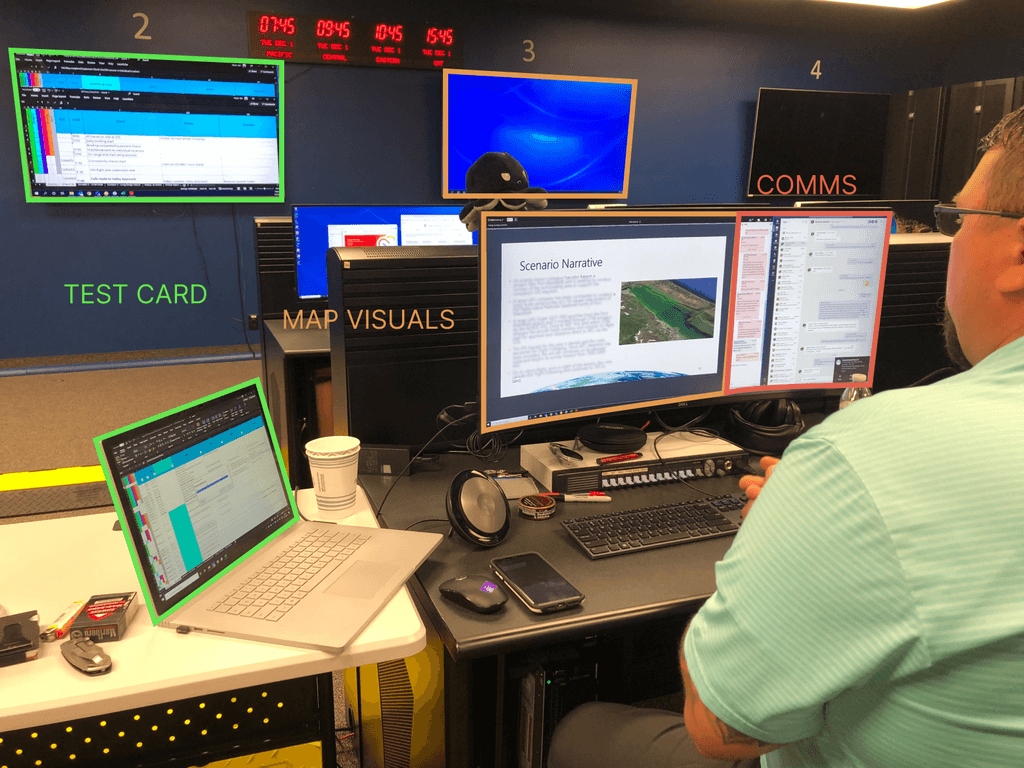
Tabletop information is often scattered across disparate software tools, separating contextually critical information elements from one another and offering a generally incohesive view of all the information associated with each scenario event.
Participants often fail to recognize issues in tabletop scenarios, because they have a difficult time discerning all the contextually relevant information attendant to each event in the scenario.
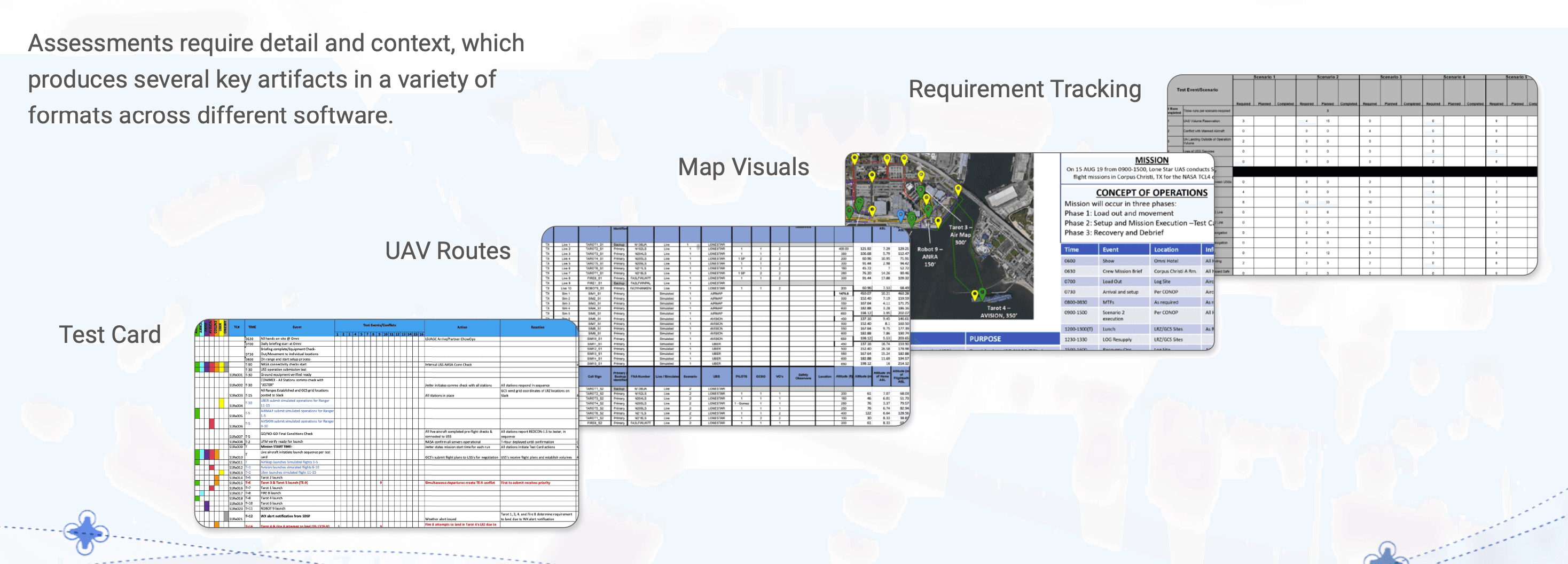
We noticed that when there is a miscommunication during the assessments, it is often due to one of 3 knowledge gaps. Which participant is responsible for the action, what are they supposed to do, and which requirement is being satisfied? The cause of this is due to the separation of the Test Card, Requirements, and Map Visuals.
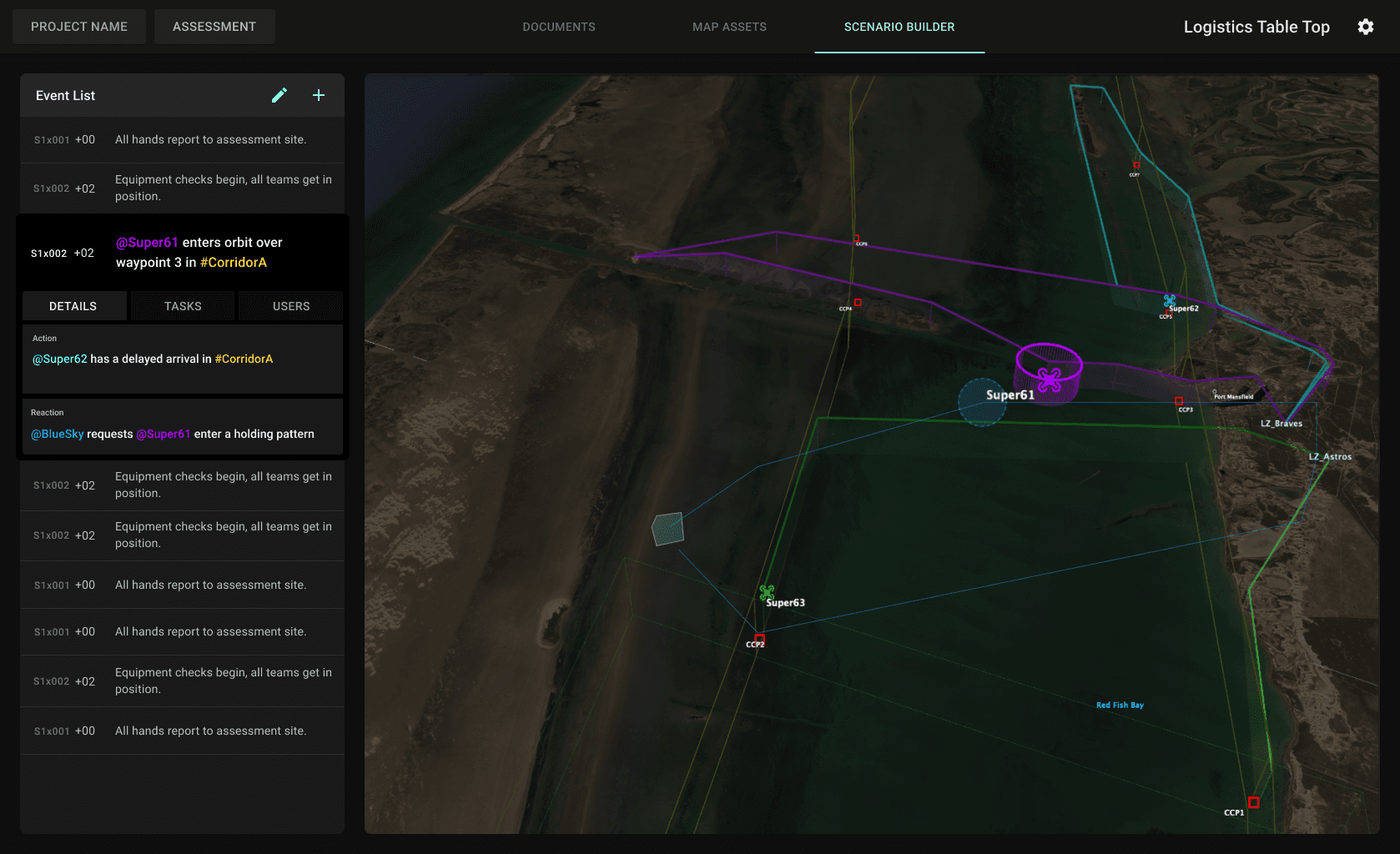
Showing the contextual interactions between people, places, technologies, requirements, test card rows, and map visuals presents significant communication challenges when examining a scenario during a tabletop session, especially if the participants are not in the same room.
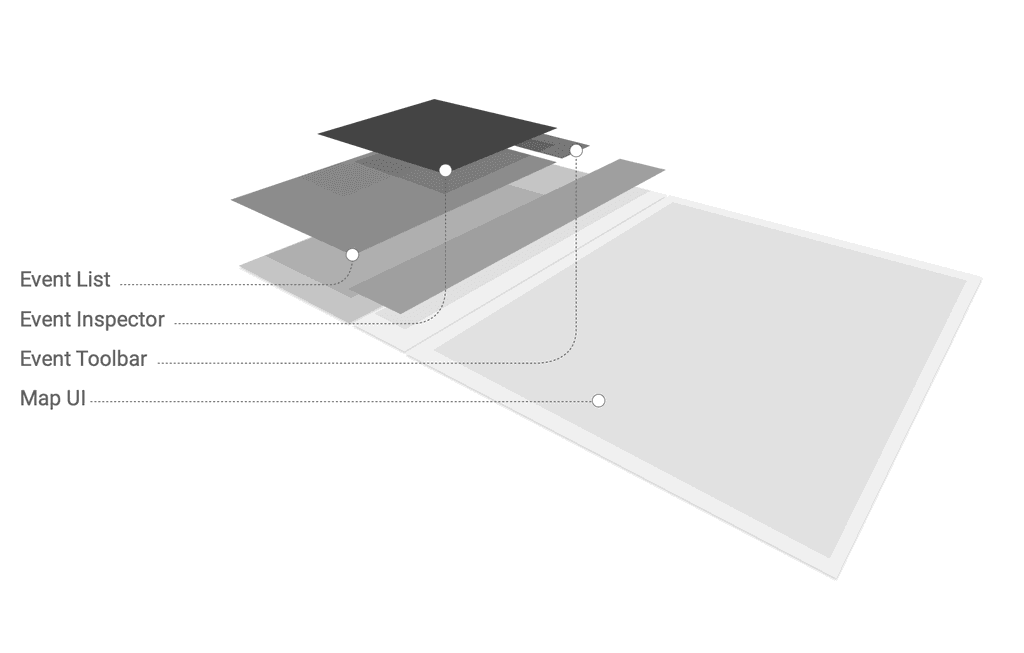
Instead of people, systems, requirements, test card rows, and the scenario map visuals scattered across disparate applications, now we can synthesize them together into a single interface.
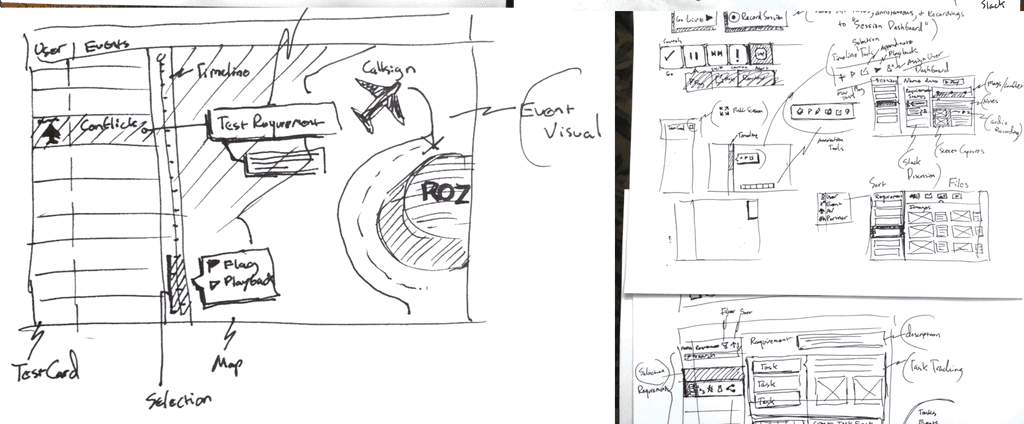
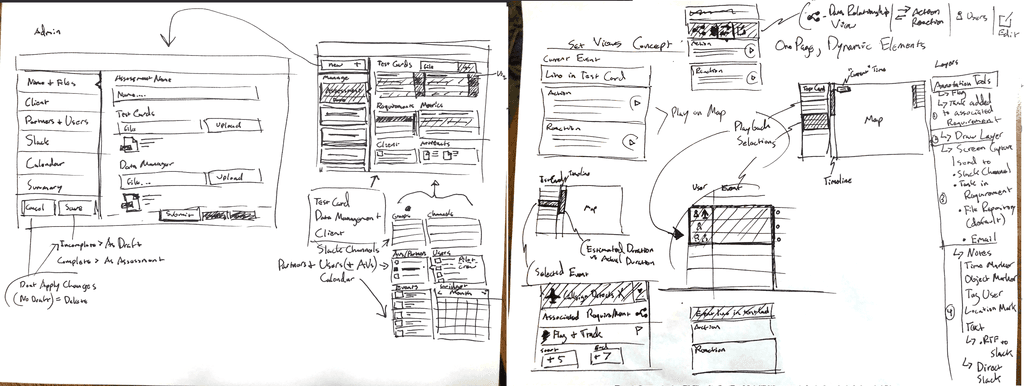
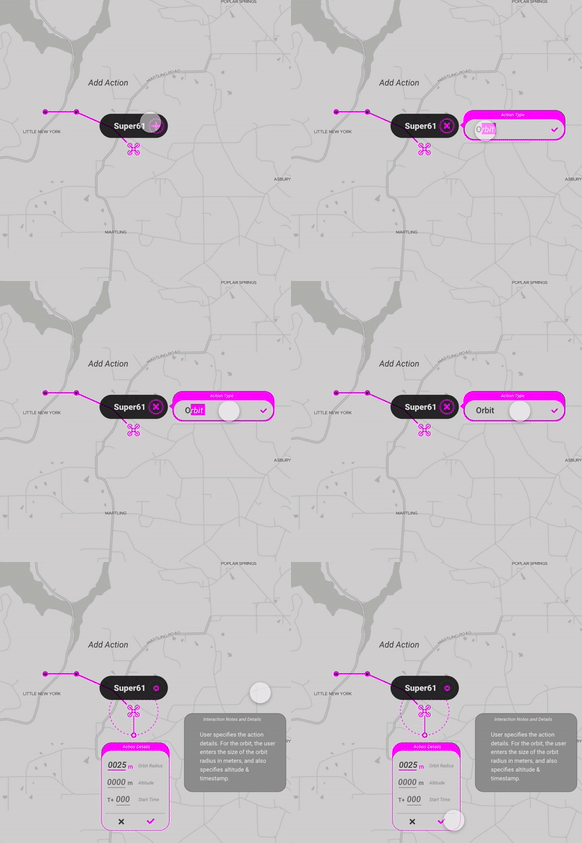
How can we enable users to connect data, actors, and events across the entire application?
Develop


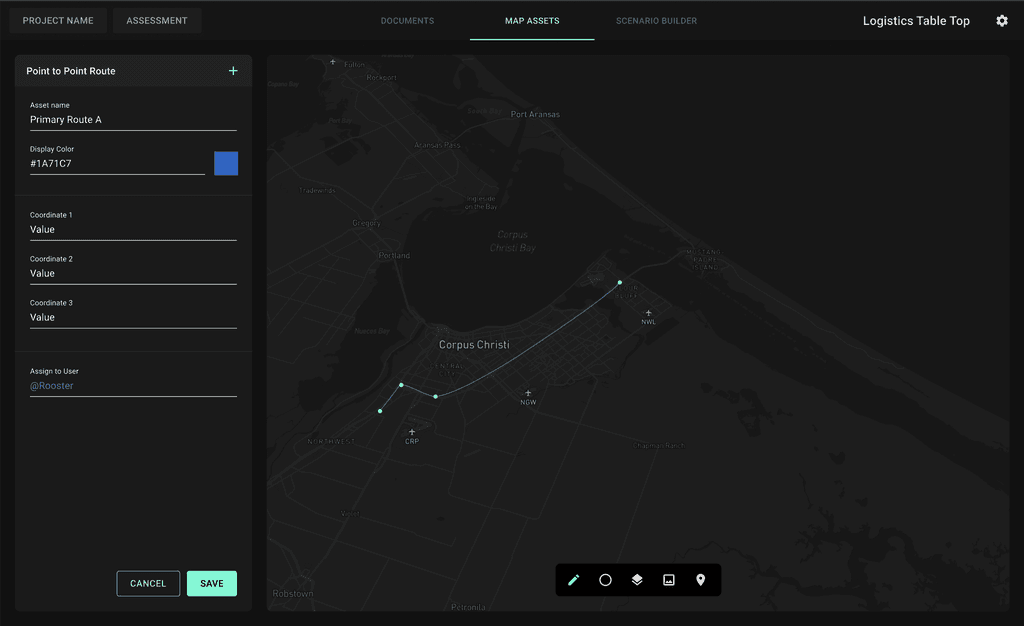
Map Assets + Data
Smart Documents
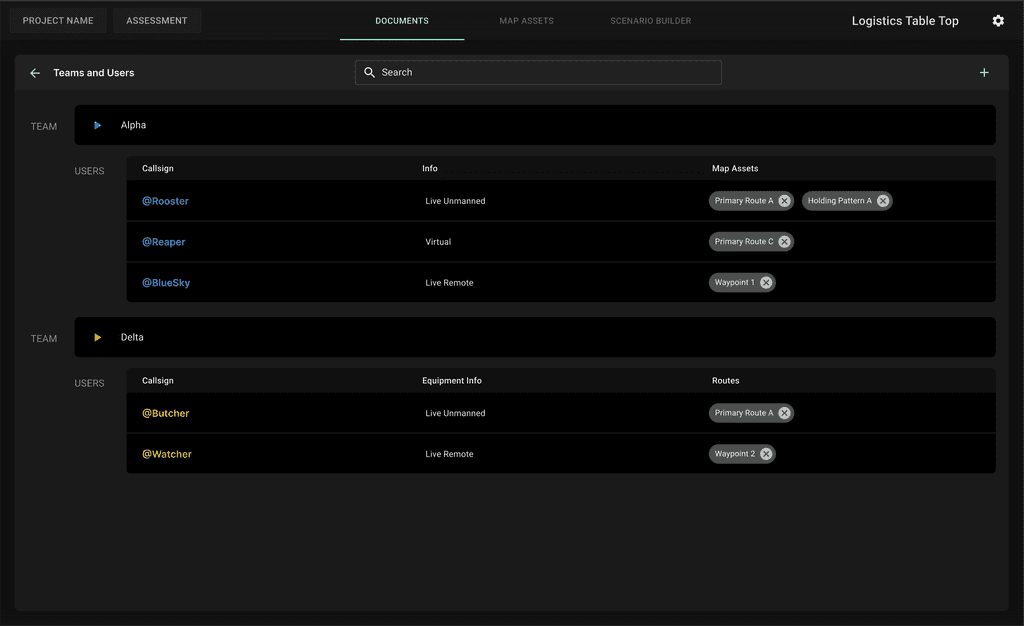

We noticed users liked excel because their hands never had to leave the keyboard. LTT gives users the ability to use symbols in order to call a list of assets to select from. Once selection is made the associated assets will populate on the map.
Deliver
"We used LTT to effectively design and document actions during a recent Logistical Training Exercise. It gave us a holistic view of the exercise and proved very useful in identifying potential issues, prior to conducting live operations"
- Sandy Michaels (executive Director of The Logistics Company)
LouFinkDesign 2020-2023
Logistic Table Top